6 Cheap Transactional Email API Alternatives to SendGrid (No Random Bans)
Tired of SendGrid's sudden bans and surprise overage bills? Discover the best cheap transactional email api for startups with high deliverability and secure developer APIs.
 Abir Bin Hasan

6 Cheap Transactional Email API Alternatives to SendGrid (No Random Bans)
It's a rite of passage for almost every software developer. You wake up to a slack alert or a wave of angry support tickets, only to find SendGrid locked your account overnight. Suddenly, your user registration and password reset pipelines are completely dead.
Tracking down a cheap transactional email api that actually lands in the inbox shouldn't feel like playing Russian roulette with your infrastructure. Startups and scaling platforms need rock-solid deliverability, free from the constant anxiety of automated compliance bots shutting down their operations without warning.
Quick Summary & Key Takeaways
- Amazon SES remains the absolute champion of rock-bottom pricing. However, its bare-bones console means you are fully responsible for configuration, SPF/DKIM, and IP reputation management.
- Postmark is the gold standard for lightning-fast speeds and exceptional delivery rates. Keep in mind, though, they aggressively police their platform and enforce a strict boundary between marketing and transactional emails.
- Resend is the clear favorite for modern developer workflows. With its elegant React-email integration and slick UI, it is a highly functional choice for fast-moving product teams.
- MailerSend and Mailgun occupy a practical middle ground, offering reliable developer tools with much less trigger-happy compliance filters than SendGrid.
What this article helps you decide
We bypassed the standard marketing copy to focus on real operational tradeoffs. Your choice ultimately depends on your actual monthly volume, your team's technical bandwidth, and how much time you want to spend warming up dedicated IPs. This guide helps you choose between the dead-simple developer experience of Resend, the incredibly low cost of Amazon SES, or the highly optimized delivery speed of Postmark.
Analysis Methodology
Our analysis pulls directly from developer consensus, public SLA agreements, pricing documentation, and technical forum discussions on Hacker News, Reddit, and GitHub. Instead of running artificial tests on brand-new sandbox accounts, we look at the collective, long-term operational experiences of engineering teams running these tools in production environments.
Why Are Developers Suddenly Fleeing SendGrid?
For years, launching a SaaS app followed a brainless ritual: wire up the signup form, plug in SendGrid, paste your API keys, and ship it. That old playbook is dead. In 2026, engineers are running headfirst into compliance brick walls, forcing teams to scout out reliable, budget-friendly SMTP alternatives long before their launch date. The real pain point? A ruthless automated compliance engine that shoots first and asks questions never. Bootstrapped startups frequently wake up to find their accounts locked with zero human feedback. Even worse, dormant accounts are routinely purged for simple inactivity—a frustrating reality highlighted in this Reddit webdev thread. If your product only shoots out occasional system alerts, your entire communication pipeline might vanish overnight. Then there is the terrifying lack of billing safeguards. The platform does not let you set hard spending limits or restrict usage per API credential. If a junior developer leaks an API key on a public GitHub repo, bad actors can hijack it to blast out millions of spam messages in minutes. This security gap is a massive risk. It has left founders on the hook for eye-watering overages, like the developer who reported a $3,000 bill from a compromised API key on Reddit. To top it off, their shared IP pools are a mess. Because they onboard thousands of low-barrier accounts every single day, these IPs are constantly landing on blocklists maintained by picky clients like Outlook and Hotmail. Your clean, double-opt-in list won't save you if your shared IP neighborhood is toxic.Can Amazon SES Solve Your Budget Woes Without Ruining Your Weekends?
If you want to keep costs as close to zero as humanly possible, Amazon Simple Email Service (SES) remains the heavy-duty option. Sitting at $0.10 per 1,000 messages, it is easily the most cut-rate developer-centric mail engine around. For high-volume SaaS operations firing off hundreds of thousands of invoices monthly, the cost difference compared to premium wrappers is night and day. The catch? A heavy engineering tax. Amazon SES is raw infrastructure, not a polished dashboard tool. Out of the box, you do not get a slick UI to monitor your bounce rate or manage suppression lists. If you want to prevent high bounce rates from killing your sender reputation, you have to engineer the tracking yourself. You must manually orchestrate Amazon Simple Notification Service (SNS) and SQS queues, write custom webhooks, and scrub invalid addresses from your database using your own code.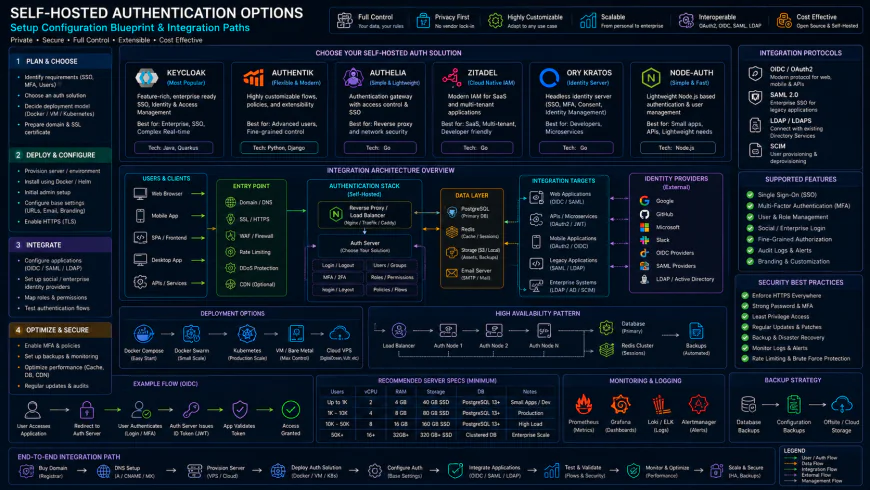 Developer reviews of standard dashboards under high concurrency load point to occasional latency spikes and response bottlenecks.
Picking Your Poison: Resend, Postmark, and the Sleepy Contenders
If managing raw AWS queues feels like too much work, a few modern challengers strike a much friendlier balance between developer experience and inbox delivery. Resend is the current darling of the frontend community. Having native React Email integration means you can build transaction templates using modern UI components instead of retro, table-heavy HTML layouts. Yet, it is not all sunshine. Real-world feedback points to significant annoyances on their cheaper plans, where you cannot configure scoped API keys. This makes separating dev, staging, and production environments incredibly messy. Some founders have also flagged sudden compliance holds when a launch spike triggers their fraud filters. Postmark is the undisputed gold standard for delivery, though it demands a luxury tax. Their team keeps inbox rates pristine by drawing a hard line between marketing newsletters and transactional alerts, as detailed on the Postmark developer blog. By keeping bulk mail off the transactional IPs, your password resets and signup tokens bypass the spam folder. But budget-conscious developers should watch out: the costs escalate rapidly past 50,000 emails a month, and they will freeze your account if they catch you running marketing campaigns through their transactional pipes. For teams trying to balance the books, three other players are worth keeping on your radar:- SMTP2GO: A reliable underdog that quietly gets the job done. Unlike major players, it lets you set custom rate limits on individual API keys. If a test server gets compromised, your blast radius is capped, saving you from financial headaches.
- Zoho ZeptoMail: Clocking in at $2.50 per 10,000 emails, this is an incredibly aggressive pricing option. The catch lies in their
💡 Expert Analysis & Experience
Technical forum consensus is clear: raw SMTP relays are a total trap if you lack the time to build custom suppression logic. If you don't automatically catch hard bounces and block future sends to dead addresses, your metrics will tank. Major inbox providers like Gmail and Yahoo will swiftly banish your transactional messages straight to spam.
| Parameter | Amazon SES (Bare-metal API) | Resend | Postmark | ZeptoMail |
|---|---|---|---|---|
| Cost per 10k Emails | $1.00 | $10.00 (Pro Plan base) | $15.00 | $2.50 |
| Hard Spending Limits | Yes (via AWS billing alerts) | No (auto-scaling overages) | No (requires manual monitoring) | Yes (prepaid credits model) |
| Bounce/Suppression Engine | Must be custom built | Built-in | Built-in (Industry best) | Built-in |
| Setup Complexity | High (AWS Console & DNS) | Low (Excellent React integration) | Low (Great documentation) | Medium (Strict compliance review) |
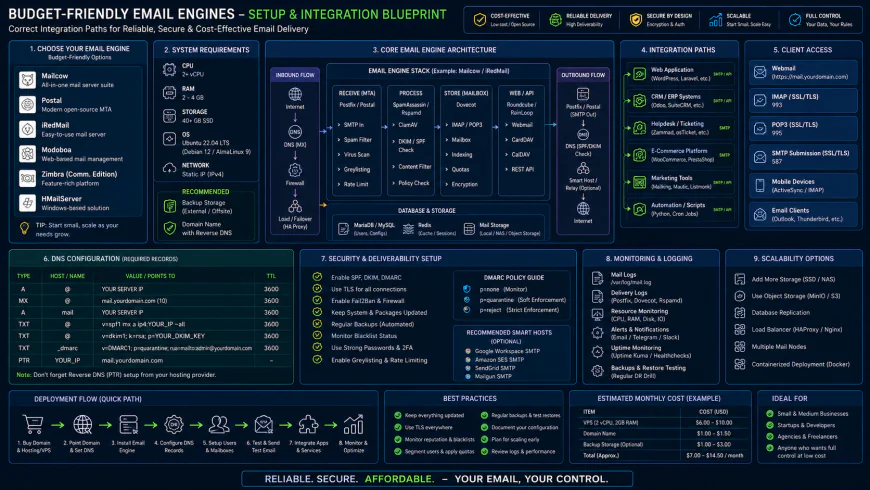 Standard installation workflows for the system require some custom script configurations to ensure proper deliverability.
Practical Scenario
Based on technical post-mortems and developer wikis, deploying Amazon SES reliably requires pairing it with an AWS Lambda function. When a recipient inbox rejects an email, the engine publishes a JSON payload to an Amazon SNS topic. The Lambda function triggers on this event, parses the recipient's address, and logs it to a DynamoDB suppression table. Your application logic must query this local blocklist before calling the API again, ensuring you never retry dead addresses.
✅ Pro Tip
Never run transactional alerts off your root domain. Always spin up a dedicated subdomain like mail.yourdomain.com or app.yourdomain.com. It isolates your sender reputation. If a compromised key or a sudden compliance freeze locks down your transactional subdomain, your team can still send business emails from the primary domain without skipping a beat.
Balanced Comparison Summary
- Unbeatable Unit Economics: Amazon's infrastructure drops the floor on pricing for self-reliant teams willing to configure their own systems.
- Frictionless Developer Experience: Modern platforms like Resend and Postmark offer beautiful documentation and direct React component rendering.
- Human-First Compliance: Alternative providers rarely rely on trigger-happy automated bots that block active developer accounts overnight without a manual look.
- Heavy Engineering Overhead: Stripped-down SMTP relays like SES expect you to construct your own suppression lists and hook up custom bounce handlers.
- Zero Marketing Tolerance: Postmark enforces a hard boundary, instantly pausing accounts that slip promotional copy into transactional pipelines.
- Bureaucratic Friction: Up-and-coming options like ZeptoMail frequently rely on manual, multi-day compliance checks before granting production clearance.
Who Should Use What?
Building a hobby app on pocket change? Spin up Amazon SES. Just prepare to spend an afternoon writing custom webhooks to catch bounces. For scaling SaaS projects that need reliable delivery without the headache, Resend bridges the gap nicely. Their React-friendly ecosystem means your product team can ship layout updates without tearing their hair out. When your business operations hinge on immediate delivery—think login tokens and password resets—paying the premium for Postmark becomes a smart insurance policy.Recommended Choices by Purpose
The Bare-Metal Budget Route: Stick with Amazon SES if you have the cycles to wire up manual suppression lists. It remains the most economical delivery pipeline available.
The Modern Developer Experience: Opt for Resend if you favor clean React templates and want to bypass the headache of low-level server configuration.
The Cleanest Inbox Delivery: Go with Postmark if your application relies on near-instant delivery for account alerts and you can absorb the premium cost structure.
Frequently Asked Questions
They are trying to shield their shared IP pools from malicious actors. To do this, they lean heavily on algorithmic compliance checkers that freeze accounts over microscopic anomalies. Real-world feedback indicates that genuine startups often get caught in this automated crossfire.
For most projects, absolutely not. Unless your volume consistently clears the 100k monthly mark, renting a dedicated IP can backfire. You are often better off leveraging a well-monitored shared IP pool from a premium provider where other high-quality senders keep the reputation warm.
By implementing a programmatic failover mechanism in your application logic. If your primary driver returns a 500 error or a timeout, your mail client (like Nodemailer) instantly reroutes the outbound queue through a secondary SMTP credential. It keeps your app breathing if your main provider goes down.
Writer's Roadmap & Practical Checklist
- Lock down your SPF, DKIM, and DMARC configurations at the registrar level before pushing any customer-facing mail live.
- Generate isolated, granular API credentials for staging and production environments to minimize your attack surface.
- Configure billing ceilings and delivery rate-throttling on your service accounts to prevent a compromised API key from running up a massive tab.
- Analyze your true delivery volumes to confirm if a warm dedicated IP is actually necessary or if a solid shared pool is the smarter play.
- Architect an alternative SMTP routing path within your source code to automatically switch providers if your primary system gets rate-limited or locked.